Copy & Paste
Section Symbol §: Copy, Paste, and Type the Double S Sign
Copy § and §§, type the section sign on your device, and distinguish sections, subsections, and paragraph marks.
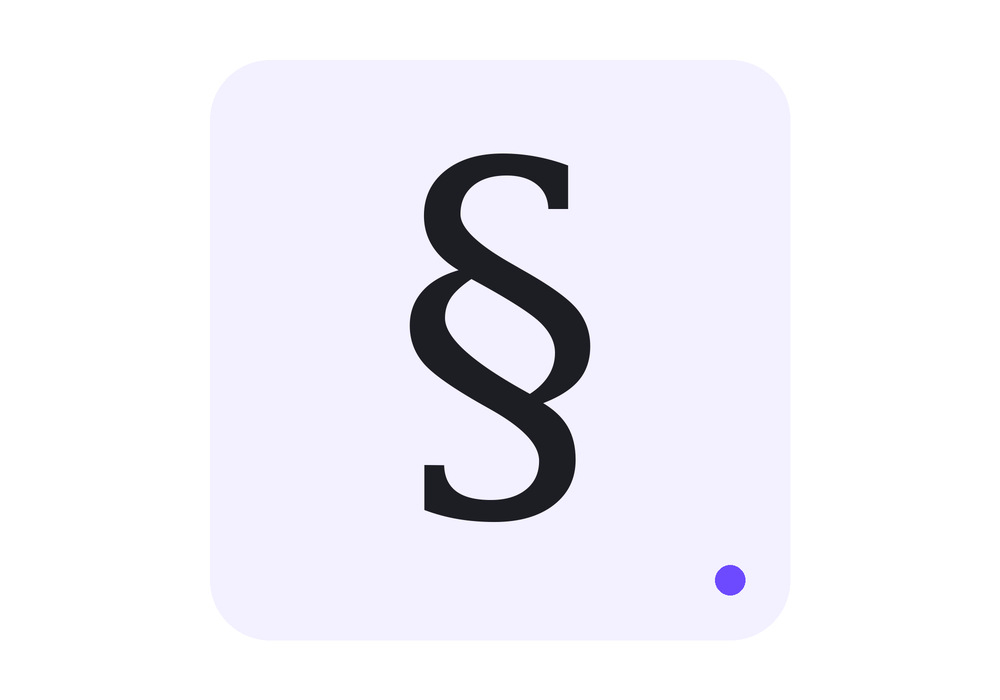
One numbered section.
Two section signs, used before references to multiple sections.
The section symbol § marks a numbered section of a document, especially in legal citations. Often called the “double S sign,” its Unicode name is SECTION SIGN and its code point is U+00A7. Copy this character: §. For several sections, use two section signs: §§.
For example, “17 U.S.C. § 107” points to section 107 of title 17 of the United States Code. The sign identifies a document division; it does not mean “see,” “subsection,” or “paragraph” in every setting.
Section symbol copy and paste
| Character | Use | Unicode |
|---|---|---|
| § | One section | U+00A7 |
| §§ | Multiple sections | U+00A7 repeated twice |
| ¶ | Paragraph mark, for comparison | U+00B6 |
Select the character, copy it, and paste it into your document. The double form §§ is two ordinary section characters, not a separate Unicode symbol. A different font may change the curves without changing the text.
For the paragraph marker and its uses, see the paragraph symbol guide. For a wider character search, open the Symbol Finder. Neither an image of a section icon nor two typed S letters is equivalent to the actual character when someone searches or copies your text.
How to type § on Windows and Mac
Windows: Alt+0167
In applications supporting Windows Alt codes, hold Alt, type 0167 on the numeric keypad, then release Alt. The top number row is not the numeric keypad. Make sure the keypad is available and Num Lock is enabled when needed; compact laptops may not support this method conveniently.
In Microsoft Word for Windows, type 00A7, select those four characters if needed, and press Alt+X. Word converts the Unicode hexadecimal value to §. Alt+X is a Word feature, not a universal shortcut for every Windows text box.
Word also offers Insert, Symbol, More Symbols, and a Special Characters tab. If an Alt-code method fails, use that menu or copy the real character from this page instead of experimenting with similar-looking letters.
Mac: Character Viewer
Choose Edit > Emoji & Symbols to open Character Viewer, then search for “section.” Select or double-click § to insert it, depending on the viewer's layout. Apple's supported shortcut Control-Command-Space also opens the character interface in applicable apps.
Direct key combinations depend on the keyboard layout, so a shortcut printed for another country's keyboard may not work on yours. Character Viewer avoids that ambiguity and lets you confirm the symbol before insertion.
Phones, tablets, and web forms
Copy and paste is the most portable method. Some mobile keyboards include § on a secondary symbol screen or a long-press menu, but the location varies. If you use the sign frequently, a personal text replacement can save repeated searching.
What does the double S symbol mean in a citation?
Use § before one section number and §§ before several section numbers. A space normally separates the sign from the number. A nonbreaking space can keep that pair together at a line ending.
- § 12 identifies one section.
- §§ 12–14 identifies a range of sections.
- § 12(a) identifies subsection (a) of one section, not several sections.
There is no separate universal “sub section symbol” required for the last example. Subdivisions are usually expressed through the numbering structure of the source. Follow the relevant jurisdiction's citation rules or your publisher's house style; not every document uses the same naming conventions.
The sign is sometimes searched as a “clause symbol” or “section marker.” Those phrases describe possible document functions, not additional encoded characters. Check the source's actual structure before deciding whether a provision is a section, article, clause, or paragraph.
Section sign versus paragraph sign
The section sign § and pilcrow ¶ are different characters with different uses. A legal citation may distinguish sections from paragraphs. In a word processor, visible ¶ marks may instead show paragraph breaks and other formatting information when nonprinting characters are displayed.
Neither symbol supplies meaning independently of context. If you need a small raised circle for a temperature or angle, that is the degree symbol °, not another form of a section marker.
HTML and LaTeX section symbols
In HTML, write the actual § character in a UTF-8 document, or use the named entity §, decimal reference §, or hexadecimal reference §. Those references render the same section sign; they are not different symbols.
In LaTeX, \S produces the section symbol; \textsection is its text-command form. For a reference such as § 12, \S~12 keeps the sign and number together. By contrast, \section{Heading} creates a section heading. It is not the command for inserting a literal §.
When copying from a PDF, check the result in plain text. A font or extraction problem can turn a visible mark into the wrong character. Confirming U+00A7 is more reliable than judging a tiny screenshot by appearance alone.
Frequently asked questions
What is the double S sign?
The character § is the section sign, Unicode U+00A7. In legal citations it commonly introduces a section number. It is one character, not two typed S letters.
What does §§ mean?
Two section signs indicate multiple sections, as in §§ 12–14. A subsection within a single section, such as § 12(a), does not require the doubled sign.
What is the section symbol Alt code?
On supported Windows applications, hold Alt and enter 0167 using the numeric keypad, then release Alt. In Word for Windows, 00A7 followed by Alt+X is another method.
How do I type the section symbol in LaTeX?
Use \S or \textsection for the literal mark. For example, \S~12 produces a reference with a nonbreaking space. The command \section creates a heading instead.
Is § the same as the paragraph symbol?
No. § is the section sign, U+00A7; ¶ is the pilcrow or paragraph sign, U+00B6. Their citation and word-processing uses differ.
Sources & further reading
- Unicode: Latin-1 Supplement code chart
- Cornell Legal Information Institute: Statute citation examples
- University of Chicago Law Review: The Maroonbook, sections and paragraphs
- Microsoft: Insert ASCII or Unicode Latin-based symbols and characters
- Microsoft: Insert a symbol in Word
- Apple: Use emoji and symbols on Mac
- LaTeX2e reference manual: Text symbols
- WHATWG HTML: Named character references